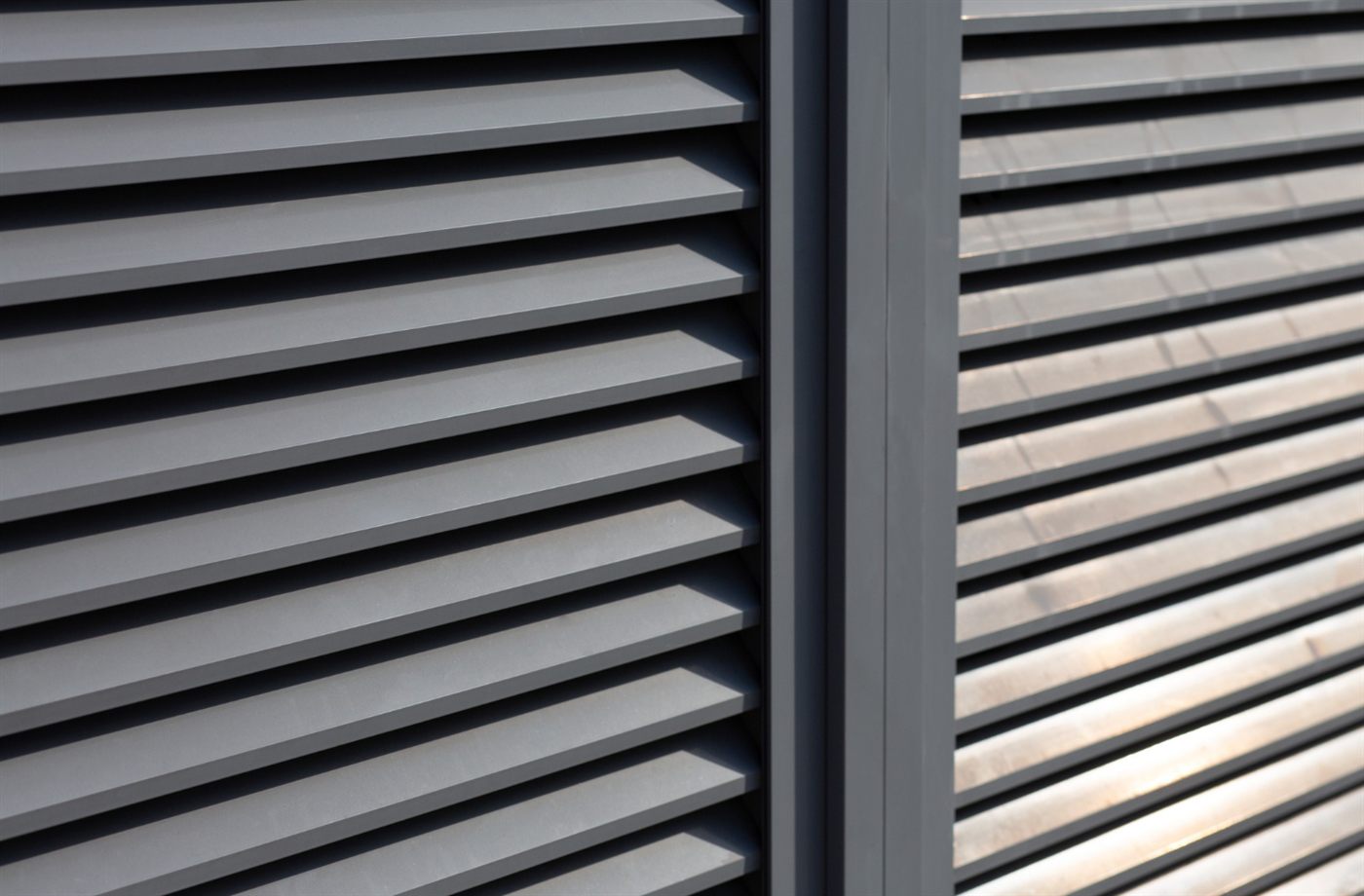
Read a louvre product page by separating the model name, blade material, controls and optional accessories. Only group features together when the page clearly says they belong to that configuration. This prevents a remote shown for one version or a screen offered separately from becoming an assumed part of your order.
Build a model-by-model note
Create four columns: model, blade material, operation and questions. Copy the model reference carefully, then summarise only what the page clearly associates with it. If the wording is ambiguous, leave the entry unresolved rather than filling it with a feature from a nearby paragraph.
Optima’s published louvre information, for example, discusses Optima 11 and 12 and separately describes an 11a motorised arrangement. A useful enquiry asks which proposed model has which operation, instead of requesting “the window with all the features”.
Distinguish the window from an option
Words such as “available”, “optional” and “customisable” matter. They indicate a choice that may need to be specified and priced. Screens, colours, handles and remote controls should appear in the written proposal if you expect them to be included.
Also separate the materials. An aluminium frame does not confirm an aluminium blade, and a wood-grain appearance describes a finish rather than necessarily indicating a timber component.
Turn broad claims into precise questions
For weather, energy or security claims, ask what documentation applies to the quoted system and opening size. A general marketing description does not tell you every installation condition or operating limitation.
Warranty information should be read the same way. Ask which components are covered and under what conditions, rather than treating a headline period as identical coverage for every item.
Translate the wording into a question
| Wording | What to establish |
|---|---|
| Available with | Is this choice included in my model and quoted price? |
| Optional screen | Which screen is proposed, and is it itemised? |
| Motorised version | What model and controller provide that function? |
| Custom finish | What finish reference will appear on the approved order? |
With the unclear features written down, you are ready to ask focused questions. The online aluminium louvre buying guide explains how to move from a product shortlist to a useful enquiry.
Frequently asked questions
Does a feature on a range page apply to every model?
Not necessarily. Check which model the feature describes and whether it is standard or optional. Keep unclear points as questions until the supplier confirms the configuration being quoted.
What does an optional screen mean for my order?
It means the screen needs a separate decision. Confirm the screen type, compatibility and whether its cost and installation are included in the written proposal.
How can I avoid mixing up manual and motorised versions?
Record the full model reference beside its stated control method. Ask the supplier to confirm that pairing in the quotation instead of combining details from different sections of the product page.