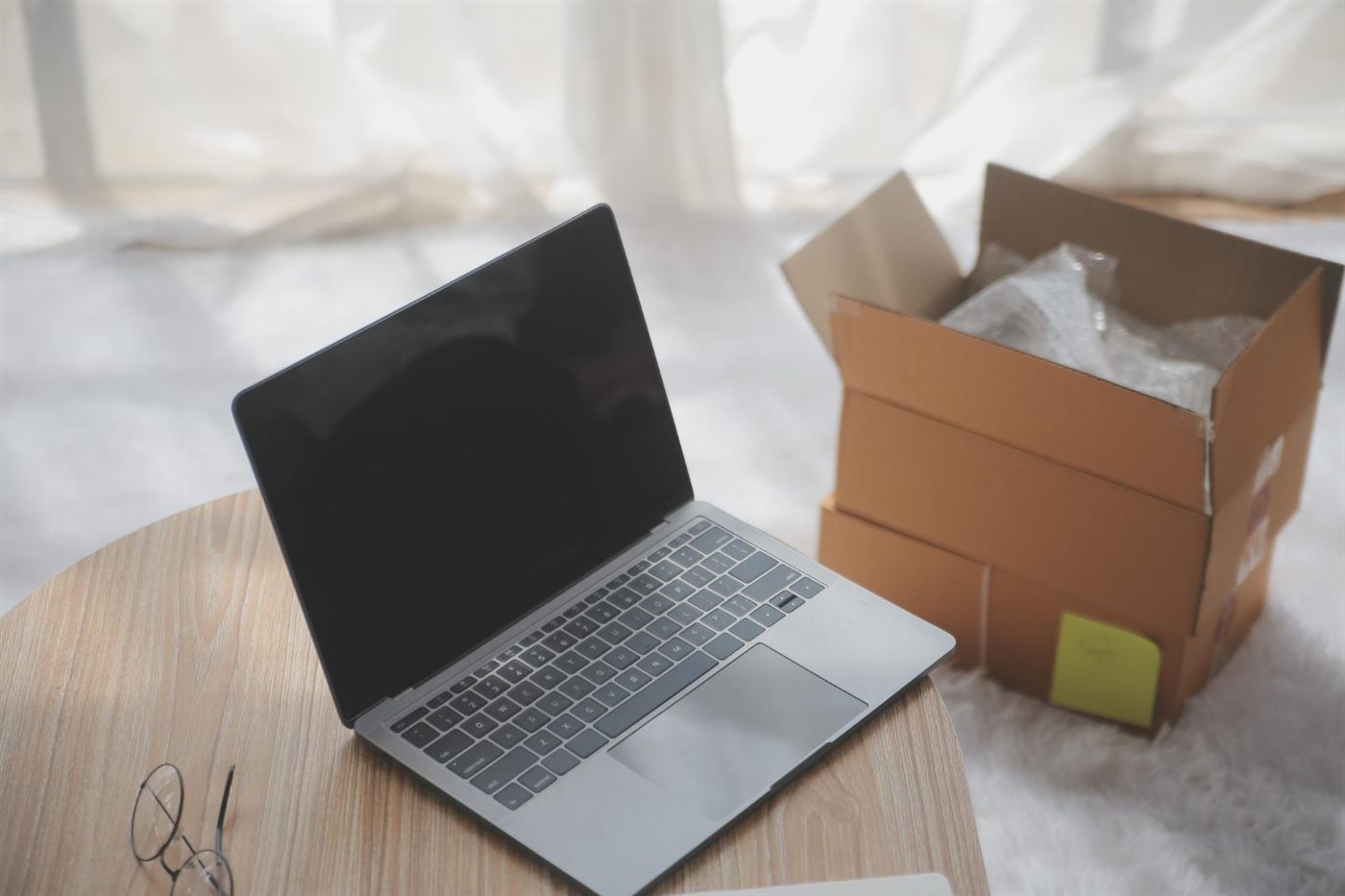
When a used laptop arrives, first check that it matches the order. Then test the functions you bought it for. Doing this promptly gives you a clear account of any discrepancy while the delivery details are still fresh.
Check the package and contents
Photograph visible packaging damage before unpacking. Keep the order reference nearby and compare the laptop, charger and agreed accessories with the saved listing. Record a mismatched model or missing item before starting normal use.
Try a small everyday task
On a stable surface, check startup, display, keyboard and touchpad operation. Try the basic work you planned, such as a document and a video call test. Use non-sensitive test material while you are still confirming the device and its setup.
Describe an issue precisely
“The left USB port does not recognise the same mouse that works in the right port” is more useful than “the laptop is bad”. Include the order number, what happened and a clear photo or short recording where relevant. Ask for the seller’s next step before arranging a return yourself.
Keep evidence organised
Retain packaging and correspondence until any issue is resolved according to the applicable terms. For the questions worth settling before dispatch, see our guide to ordering from a laptop shop online.
Frequently asked questions
Should I keep used laptop delivery packaging?
Keep it while you inspect the order and review the seller’s return instructions. It may be useful if the device needs to travel again.
What should I send when an accessory is missing?
Send the order reference, agreed accessory list and a clear photograph of the received contents. Ask the seller how they will resolve the discrepancy.
Does an unboxing video guarantee a refund?
No. It can help document what arrived, but the applicable terms and facts of the issue still determine the next steps.