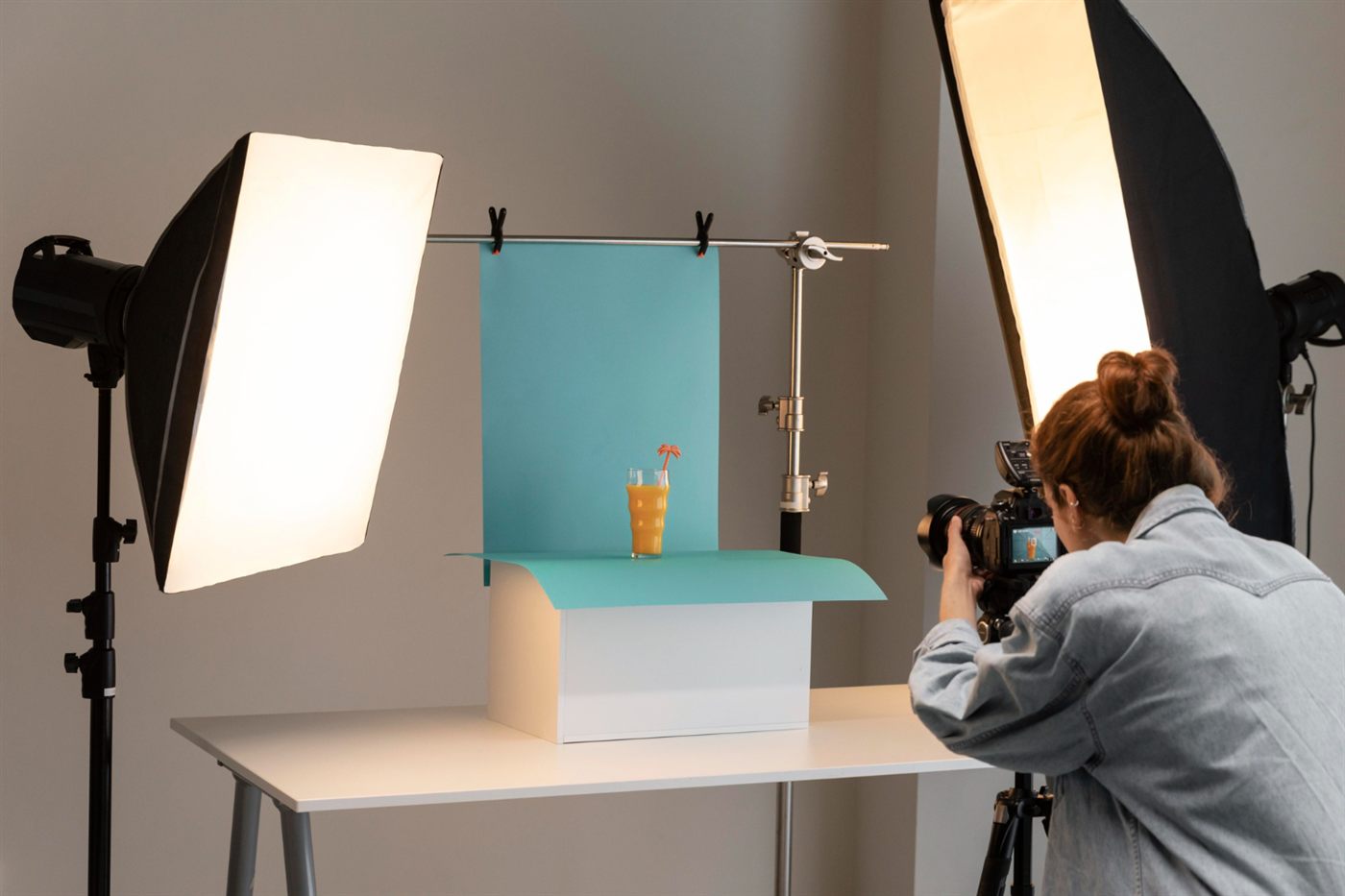
A useful product image answers a buying question. It might show the connection on a device, the contents of a pack or the finish on a piece of furniture. Choose the views customers need before thinking about how many photographs a listing should contain.
Show the actual offer
Check that the photographed size, colour and accessories match the selected item. If an image shows styling props that are not included, make that clear where it could affect a purchase decision. Keep variants organised so a customer does not order one option while viewing another.
Provide meaningful image descriptions
Google’s image guidance explains that alt text and surrounding page content help it understand an image. Write concise, accurate descriptions for informative images rather than filling them with unrelated keywords. The description should fit what the image contributes to the page.
Balance detail with a usable page
Work with the person maintaining the website to choose suitable image dimensions and file delivery. A close-up should reveal something useful, while the page still needs to be practical to use on a phone. Check the actual upload rather than assuming the source file displays correctly.
Confirm rights and keep records
Use photographs the business owns or is authorised to publish. Keep the product reference attached to the image set so updates do not mix similar models. Replace images when packaging or included parts materially change.
Review the shopper’s unanswered question
If returns or enquiries suggest confusion about scale or contents, consider whether a clearer view would help. Our retail SEO guide for Malaysia connects image improvements to the wider discovery and buying journey.
Frequently asked questions
Should image alt text contain every product keyword?
No. Describe the image’s useful content accurately and concisely rather than adding unrelated search terms.
Can a styled product photograph confuse buyers?
It can if props or accessories appear to be included when they are not. Clarify the actual offer and show it clearly.
When should product photographs be reviewed?
Review them after meaningful changes to the item, packaging, variant or included accessories, and when customer questions reveal confusion.